

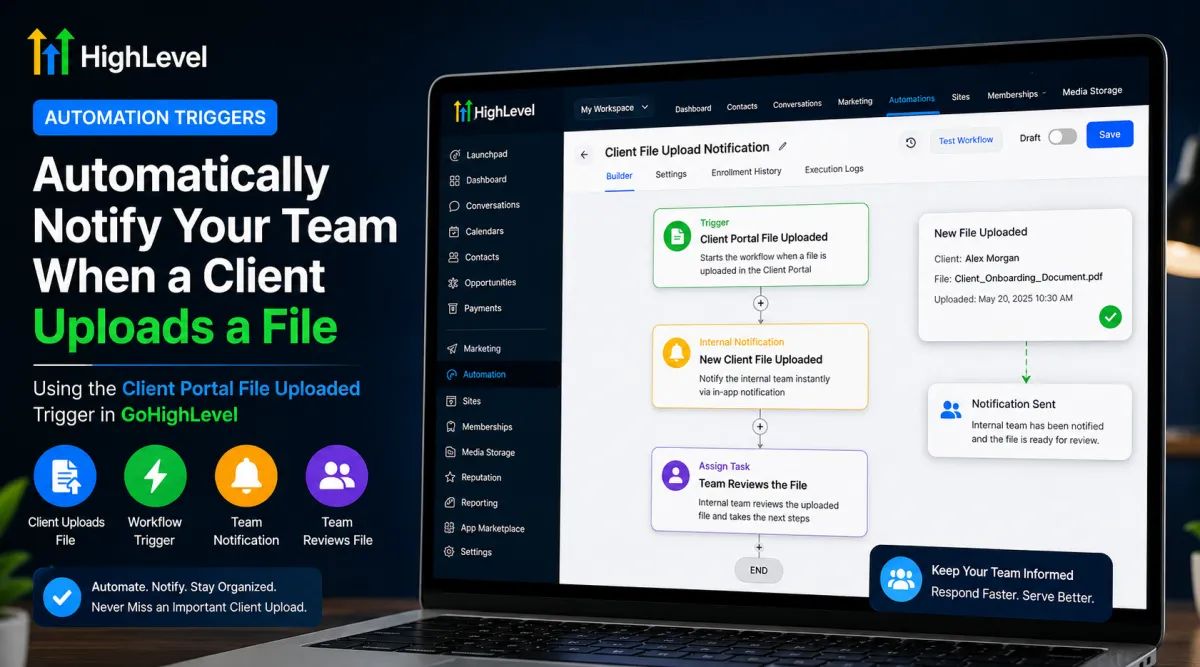
Automatically Notify Your Team When a Client Uploads a File in GoHighLevel
 Wispcode Team
Published on: 23/08/2026
Learn how to use the GoHighLevel Client Portal File Uploaded trigger to automatically notify your team when a client submits a file, helping your team respond faster and keep client documents organized.
GoHighLevel file upload triggerGoHighLevel client portalGoHighLevel workflow automationGoHighLevel internal notificationGoHighLevel automationClient Portal file uploadGoHighLevel CRM automationWispcode
